 ChatGPT
 Perplexity
 Claude
 Google AI Mode
 Grok
Quick answer — what is on-page SEO?
On-page SEO is the work you do on a single page so Google can read it correctly and a searcher wants to click it: one clear question per page, a unique descriptive title, a short meta description, an answer in the first paragraph, honest headings, quotable facts, descriptive images, and links to your other pages. Do it in page order, top to bottom.
What does on-page SEO actually cover?
Everything you control on the page itself: the HTML Google reads (title, meta description, headings, images, links) and the words people read (the answer, the evidence, the next step). Not links from other sites, not your server — those are off-page and technical SEO. If a page does not rank, the fix is usually on the page, not a new tool.
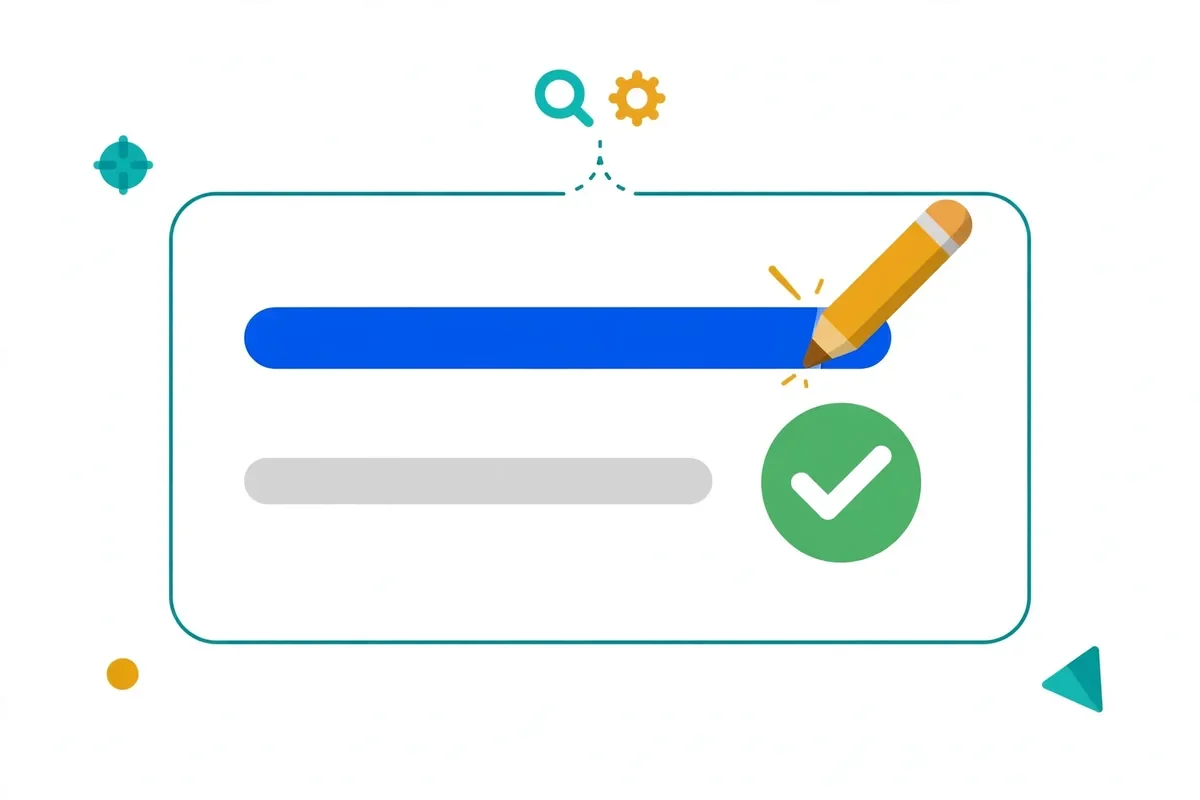
The checklist, in page order
- Can the page be indexed? Before anything else, check nothing tells Google to leave it out. A stray noindex undoes every other fix on this list. If a page should rank, it must be indexable and canonical.
- Does the page answer one question? Give every page one search intent and one main question. A page that tries to answer five questions answers none of them well. Write the question down first: who is searching, what do they want to know, and what should they do next?
- Is the title unique and descriptive? Every page needs its own title: descriptive, concise, accurate, and different from every other page on your site. Google's title-link guidance warns against vague labels like "Home", boilerplate repeated across pages, and stuffing the same words several times. There is no fixed limit — Google cuts long titles to fit — but about 50 to 60 characters usually fits, so put the important words first and the brand at the end.
- Does the meta description summarise the page? Write a short, unique meta description — one or two sentences that cover the page's main points. Google mainly builds the snippet from your page content, and sometimes uses your meta description when it describes the page better.
- Does the first paragraph answer the question? A searcher should know within seconds that they are in the right place. Answer the headline question in the first two sentences, then explain below. This keeps the reader, and it gives Google — and ChatGPT, Perplexity and AI Overviews — a passage it can lift whole. For how AI systems pick passages, see the GEO pillar at /generative-engine-optimization-geo/.
- Do the headings describe each section? Use one main heading (H1) that names the subject, then H2 and H3 headings that describe each section underneath, phrased as the questions your reader actually asks. A reader who only scans the headings should understand what the page covers. Google says there is no ideal number of headings and that heading order does not affect its ranking — but it does matter for screen readers, so keep the order logical.
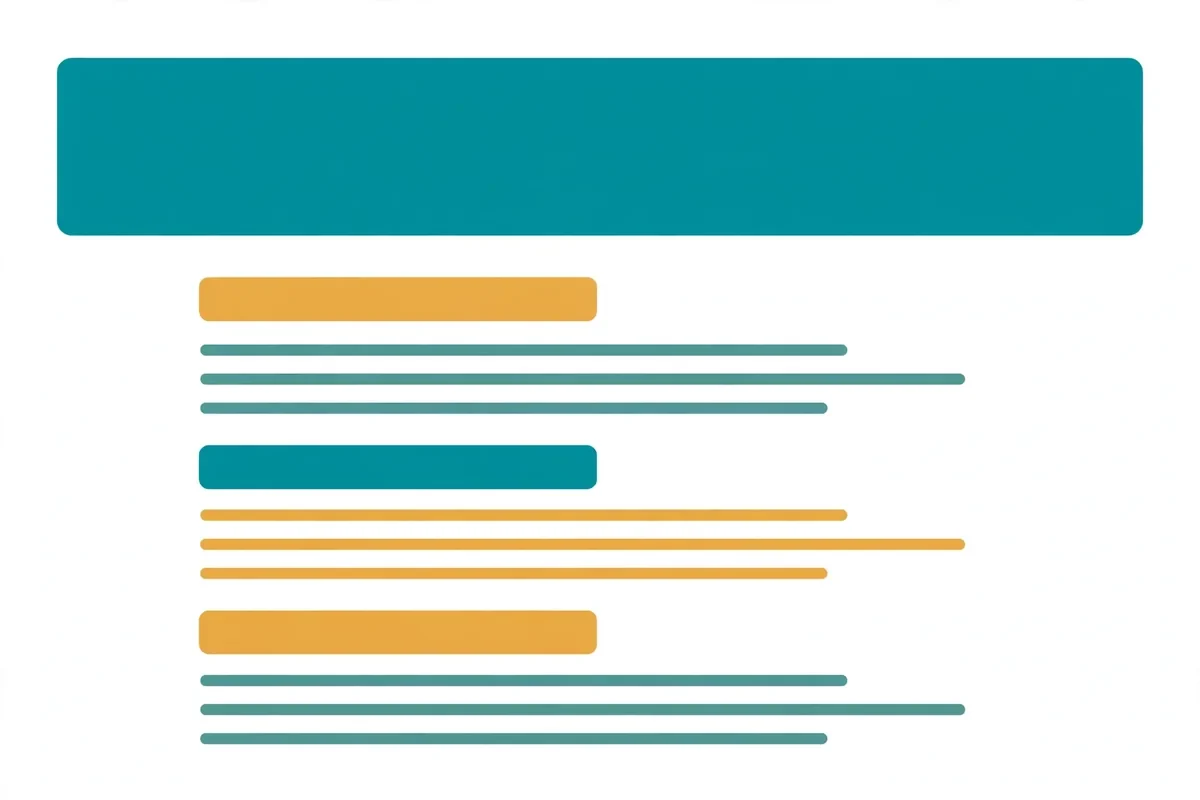
- Is the body complete, honest and quotable? Helpful, people-first content is still the centre of on-page SEO. Google's helpful-content guidance asks whether the content was created mainly for people rather than to manipulate rankings, and whether it shows who made it, how, and why. Cover the question fully — steps, trade-offs, numbers, exceptions — and put a number, a quotation, a named source or a price behind every key claim.
- Are the images optimised? Every image should earn its place. Give each one a descriptive file name — on-page-seo-title-example.webp, not IMG_4821.webp — and descriptive alt text that says what the image shows. Compress images before you upload them: on this site every image is WebP and under 100 KB, at most 1,200 pixels wide.
- Does the page link to your other pages? Link to your related pages with anchor text that says what the linked page is about — "the technical SEO checklist", not "click here". Internal links help Google find and understand your pages, pass topical signals between related pages, and keep a reader moving to the next useful page.
- Can a reader see who wrote it, and when? Show a named author with a short bio, a publication date and an update date — and update the date only when you have added something real. This is where E-E-A-T shows up: experience, expertise, authoritativeness and trust. Google is clear that E-E-A-T is not a specific ranking factor, and that Trust matters most. Show first-hand work — your own photos, screenshots, test results, examples from real jobs — and cite primary sources.
- Is the structured data honest? Add Article schema and, where the page has real questions and answers, FAQPage schema — but only schema that matches what is visible on the page. There is no special "AI schema", and no markup that gets a page cited or ranked on its own.
What should you fix first on existing pages?
Start where the loss is biggest. First, pages that rank on page two. In Search Console, find pages ranking in positions 11 to 20 with real impressions. Fix the title, the first paragraph and the headings, and check again in a month. Second, pages with no impressions at all. Check indexation first, then the question: is anyone actually searching for it? A page with no question behind it is a page to merge or delete.
Common mistakes to stop making
- Keyword stuffing. Repeating the same phrase in the title, every heading and every paragraph. Google's SEO Starter Guide calls it spam.
- Meta keywords. Google Search does not use the keywords meta tag. Delete it and spend the time on the description instead.
- Duplicate titles and descriptions. Ten pages called "Home" tell Google the pages are interchangeable. Every important page gets its own.
- Headings as decoration. A heading that says "Welcome" tells nobody what the section covers. Headings should read as an outline.
- Images with no alt text and 2 MB file sizes. Slow pages, invisible images, and nothing for a screen reader to read.
- "Click here" links. Anchor text should describe the destination.
- Chasing a word count. There is no target length. A 600-word page that answers fully outranks a 2,000-word page that repeats itself.
How to measure it
Measure the page, not the checklist. Before you change anything, write down the baseline: its position and impressions in Search Console, its clicks, and what a visitor does next. Then change one thing at a time — the title, or the opening — and check again after 30 days. Changing five things at once tells you nothing about which one worked. Search Console shows impressions, clicks and average position per page and per query. Your analytics show whether the page holds visitors or sends them away in seconds.

Myths to stop paying for
- "A meta description boosts rankings." It does not. It earns clicks, which is a different job.
- "Longer pages always rank better." Google says there is no magical word count. Coverage beats length.
- "Keyword density is a target." It is not. There is no percentage to hit.
- "Special AI schema gets you cited." There is no special schema for AI features. Standard schema that matches the visible text is enough — Google's May 2026 guide says optimising for AI features is still SEO.
- "On-page SEO replaces technical SEO." It does not. A page that is not indexed, or that takes ten seconds to load, cannot be saved by a better title. Use this checklist with the Technical SEO Checklist at /technical-seo-checklist/.
Checklist summary: one page, eleven checks
- Indexable? No stray noindex; the right version is canonical and indexed.
- One question? One search intent, stated in one sentence, per page.
- Title? Unique, descriptive, about 50–60 characters, important words first.
- Meta description? Unique, one or two sentences, about 150 characters, accurate.
- Answer first? The headline question answered in the first two sentences.
- Headings? One H1, then H2s and H3s that read as an outline.
- Body? Complete, honest, quotable — a number or a source behind every key claim.
- Images? Descriptive file names and alt text, WebP, under 100 KB.
- Internal links? Descriptive anchor text to related pages, including the pillar.
- Author and date? Named author, bio, publication and update dates, first-hand evidence.
- Schema? Article and FAQPage schema that matches the visible text, tested before publishing.
Frequently asked questions
What is on-page SEO?
It is the work you do on a page itself so search engines can read it correctly and searchers want to click it: title, meta description, headings, content, images, internal links and structured data, plus who wrote it and when.
How long should a title tag be in 2026?
Google sets no character limit, but it cuts long titles to fit the screen. About 50 to 60 characters usually fits, so put the important words first.
Is a meta description a ranking factor?
No. Google mainly builds snippets from your page content, and sometimes uses your meta description when it describes the page better. Its job is to earn the click, not to rank the page.
How many words should a page have?
As many as the question needs. Google says there is no magical word count, minimum or maximum. A page that answers fully in 600 words outranks a padded page of 2,000.
Does on-page SEO help with AI search?
Yes — the same work. Google's May 2026 guide says optimising for its AI features is still SEO: a page must be indexed and snippet-eligible, with quotable passages, clear authorship and named sources.
What to do next
Pick your five most important pages and run this checklist on each one, in order. Fix the title, the opening and the headings first — those three are the fastest wins on most sites. Then measure for 30 days before you touch anything else.
Every engagement starts with a free audit. Request one — it now includes an on-page check of your five most important pages: title, meta, headings, images, internal links and trust signals, with the fixes listed in priority order.

Abu Hosain
Digital Marketing Strategist & White-Hat SEO Expert — 7+ years helping businesses worldwide grow with SEO, AEO and GEO.