 ChatGPT
 Perplexity
 Claude
 Google AI Mode
 Grok
Quick answer — how do you rank a Shopify store on Google?
To rank a Shopify store on Google, use your own domain, submit your sitemap to Search Console, and then do the page work: one keyword per product and collection page, a real description, clean internal links, fast pages, and accurate product structured data. Shopify handles the technical floor. The ranking is won on the pages.
How is Shopify SEO different from WordPress SEO?
The difference is what you control. On WordPress, you choose the hosting, the caching, the SEO plugin, the URL structure and the code. That freedom is also the risk: a bad plugin or a bad host can break the technical side, and nobody fixes it for you.
On Shopify, the platform is hosted. Shopify generates your sitemap.xml and robots.txt automatically, adds a canonical tag to every page, and serves the store over HTTPS on a fast content delivery network. That is a high technical floor, and it is why most Shopify stores are indexable from day one.
The trade is the ceiling: you cannot change Shopify's URL structure. Products live at /products/, collections at /collections/, pages at /pages/ and blog posts at /blogs/. So Shopify has done the easy technical work; your job is the rest — choosing what each page should rank for, writing content worth ranking, and linking the store together.
What are the store setup checks?
Do these before you write a single product description. They take an afternoon.
Use your own domain. Shopify gives you a free myshopify.com address, but a store on your own domain looks like a real business to buyers and to Google. Point your domain at the store and set it as the primary domain.
Make the store public and remove the password. A store still in password-protected mode cannot be crawled at all — one of the most common reasons a new store has no traffic.
Submit your sitemap to Google Search Console. Shopify generates it automatically. Add your domain, submit the sitemap URL, and check the Pages report.
Set up Analytics and Merchant Center. Analytics tells you what happens after the click. Google recommends sharing your product data with Merchant Center, and a feed is required for some surfaces, such as the Google Shopping tab.
Leave the default robots.txt alone. Shopify's help centre says the default file is optimal for most stores. A wrong rule can hide a whole section of your store, so only customise it through a robots.txt.liquid template with expert help.
How do you optimise a product page?
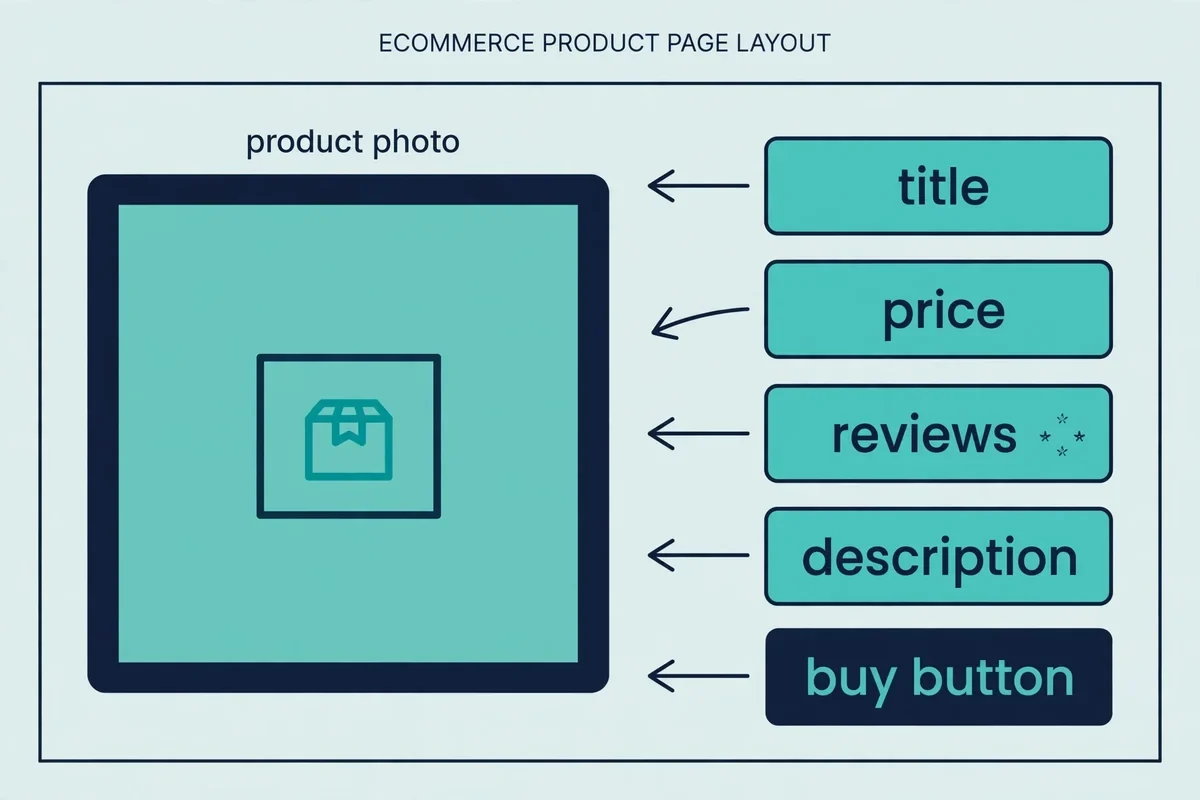
One keyword per product. Pick the phrase a buyer would type — "handmade leather wallet for men", not "wallet". Put it in the page title, once in the first paragraph, and in the image file names and alt text.
Write a real description. Most Shopify stores copy the supplier's description, word for word, and then wonder why they do not rank. A copied description is the same text as every other store selling the same product. Write your own.
Title tag under 60 characters, meta description under 160. That is Shopify's own guidance, with the keyword in both. You can edit both for every product in the admin.
Images that load fast and say what they are. Compress every image before upload, give the file a descriptive name, and write alt text that describes it — not a place to stuff keywords.
Price, availability and reviews — accurate, everywhere. Google's guidance is clear: the price, availability and ratings in your structured data must match what is actually shown on the page. A mismatch can get the product dropped from listings. Most Shopify themes add Product structured data automatically, but that is theme-dependent, not guaranteed — so check it with Google's Rich Results Test.
How do you optimise a collection page?
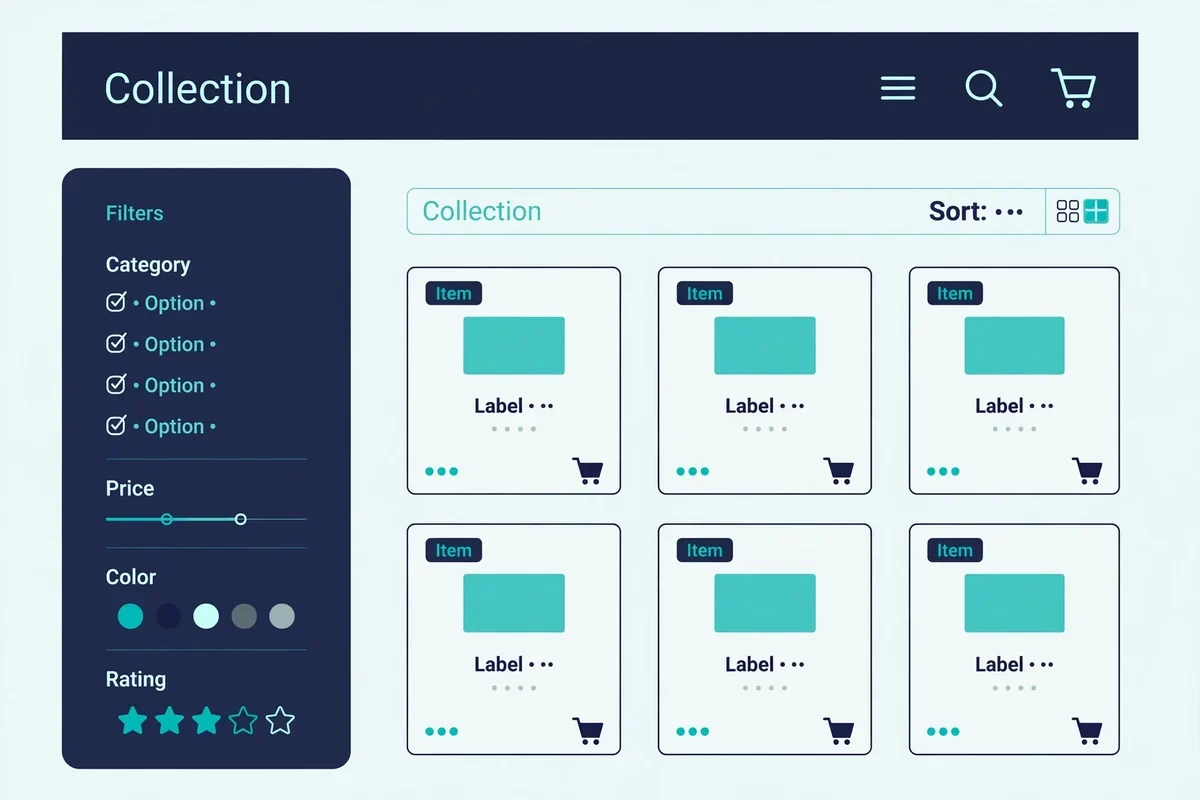
Collection pages are the pages most Shopify owners ignore, and they are often the pages with the best chance of ranking. A product page ranks for one product; a collection page can rank for the whole category — "men's leather wallets", "cotton summer dresses", "handmade ceramic mugs".
Give each collection a real page, not just a grid. Write a short introduction at the top — two or three paragraphs that say what the collection is and who it is for. A page with only product tiles gives Google almost nothing to rank.
One keyword per collection. The title, URL handle and introduction should all use the same category phrase.
Link products to the clean product URL. Every product has a canonical address at /products/your-product, but a product inside a collection can also be reached at /collections/your-collection/products/your-product. Shopify adds a canonical tag pointing back to the clean address automatically.
Where it goes wrong is your own internal links. If your theme, your related-products section, your review app or your email templates all link to the collection version of every product, you are giving Google thousands of links arguing against one canonical tag. Google treats a canonical tag as a strong signal, not a command. The fix: point your internal links at the plain /products/ address.
Do not change a published URL once it has been indexed for a few weeks. If you must, set up a redirect from the old address to the new one first.
What about the Shopify blog?
A store with only product and collection pages can rank for what it sells. It cannot rank for the questions buyers ask before they buy — "how to choose a leather wallet", "how to care for ceramic mugs". Those questions are what a blog is for, and Shopify has a built-in blog at /blogs/. Write one question per post, answer it in the first two sentences, and link to the collection or product that solves it. One useful post a month beats ten thin ones.
How fast does a Shopify store need to be?
Fast enough that a buyer on a phone does not leave before the page loads. That is the honest standard, and it is also what Google measures, through Core Web Vitals. Shopify gives you a fast starting point — the CDN, the SSL, the hosted platform — but a store can still be slow. The usual causes: oversized images, a heavy theme, and too many apps, each adding code to every page.
Before you install an app for SEO, ask what it actually does. Most "SEO apps" do things Shopify already does — sitemaps, canonicals, title tags — or things that do not help, like adding meta keywords. An app is worth it when it does a job you cannot do in the admin: checking structured data, logging redirects, or auditing broken links. Test the store on a real phone and read the Core Web Vitals report in Search Console.
How do you measure Shopify SEO?
Measure in Search Console, not in an app dashboard — it is the only tool that tells you what Google actually did with your store.
Check the Pages report weekly. Which pages are indexed, which are not, and why. A product page that is not indexed cannot rank.
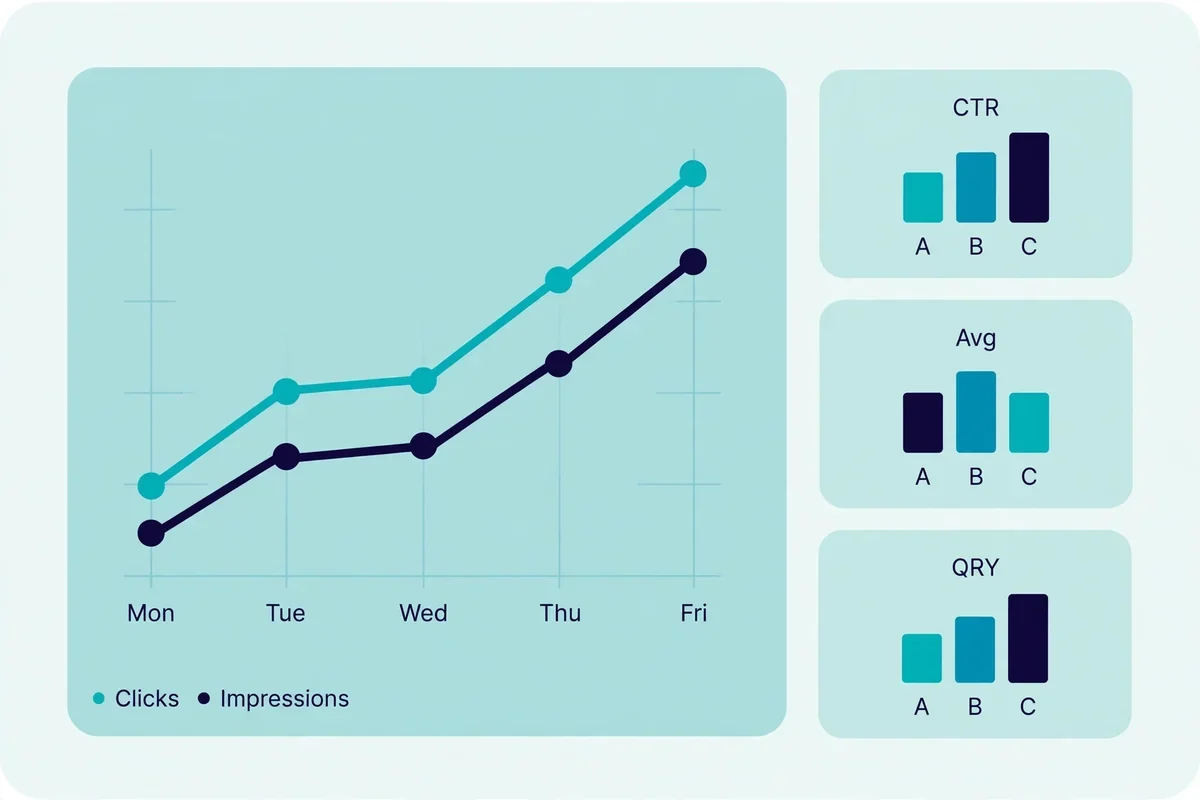
Check the Search results report monthly. Which queries bring clicks, and which pages get impressions but no clicks. A page with many impressions and few clicks usually has a weak title or description. Rewrite those first.
Track the same five numbers every month: total clicks, total impressions, average position, indexed pages, and sales from organic search — on the same day, every month. One month is a sample. Six months is a trend. Nobody can guarantee a ranking, and nobody can promise a first page.
What are the common Shopify SEO mistakes?
- Copying supplier descriptions. Every store with the same text ranks for none of it.
- Targeting the same keyword on three pages. One page, one keyword.
- Ignoring collection pages. They are your category pages, and often your best chance of ranking.
- Linking to collection versions of product URLs. Point internal links at the plain /products/ address.
- Installing an SEO app for every problem. Most repeat what Shopify already does.
- Changing a published URL without a redirect. Once a page has been indexed, changing its address breaks its ranking.
- Editing robots.txt without a reason. The default is optimal for most stores.
- Judging SEO by an app's score. An app score is not a ranking.
Checklist: your Shopify store, in order
- Own domain set as primary?
- Store public, sitemap submitted?
- Merchant Center connected?
- One keyword per product?
- Real descriptions, your own words?
- Collection pages written?
- Internal links clean? Plain /products/ addresses only.
- Structured data checked? No duplicate Product markup.
- Speed checked? Core Web Vitals, images compressed, apps audited.
- Measured monthly? The same five numbers, every month.
Frequently asked questions
Is Shopify good for SEO?
Yes, for most stores. Shopify handles the technical floor — sitemap, robots.txt, canonical tags, HTTPS and a fast CDN. Thin descriptions and ignored collection pages are the usual reason stores fail.
Why is my Shopify product not showing on Google?
Check in this order: is the store public, is the page indexed in Search Console, and is anything blocking it — a redirect, a noindex tag, or a robots.txt rule.
Do I need an SEO app for Shopify?
Usually not. Shopify already does what most SEO apps advertise — sitemaps, canonicals, title tags. An app is worth it only when it does a job the admin cannot: checking structured data, logging redirects, or auditing broken links.
How long does Shopify SEO take to work?
Indexation and technical fixes can show in days to weeks. Rankings build over months. A realistic first checkpoint is a 90-day comparison in Search Console.
Does Shopify SEO help with AI search?
Yes. ChatGPT, Perplexity and Google AI Overviews cite pages they can find, trust and quote. A page with a clear title, a real description and accurate prices is easier to cite than a thin one. The GEO pillar explains the three gates — retrieval, selection, citation — and Shopify SEO is the retrieval gate.
What to do next
Do the setup checks first, then rewrite your ten best-selling products' descriptions in your own words. Then write the introduction for each collection page, and point your internal links at the clean product URLs. Measure it for 90 days before judging it.
Every engagement starts with a free audit. Request one — it now includes a Shopify check: store setup, product and collection pages, structured data, speed, and a Search Console review.

Abu Hosain
Digital Marketing Strategist & White-Hat SEO Expert — 7+ years helping businesses worldwide grow with SEO, AEO and GEO.